Take Control of Your Money with Clear Weekly Insights
Track all spending in one place. Auto-categorize expenses. See simple charts every week. Gentle insights that help you cut impulse buys and build savings—no money genius required.
- Visual expense tracking by category
- Shared budgets for couples & families
- Savings goal visuals for emergencies & big life events
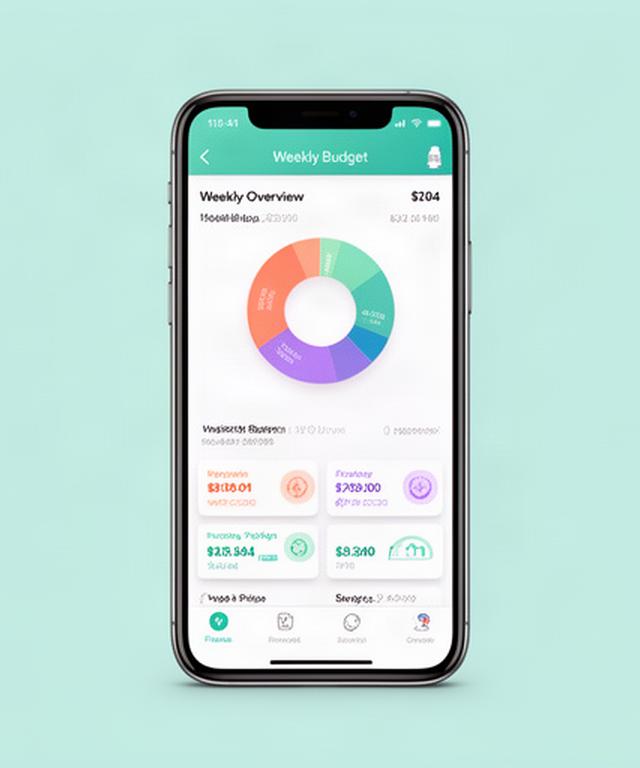
All-in-One Visual Budgeting and Expense Tracking
Custom categories, auto-sorted transactions, and weekly charts that make your money picture crystal clear.
Customizable Categories
Set up budgets for rent, utilities, groceries, gas, childcare, gig income—whatever your life needs. Default templates get you started in seconds.
Auto-Categorized Transactions
Link your accounts securely. The app learns your spending and sorts it for you. No manual entry unless you want to.
Visual Weekly Summaries
Simple donut charts, bar breakdowns, and trend lines. See exactly where the money went by category and by week.
iOS & Android, Always in Sync
One dashboard on any device. Couples and families can view shared budgets from their own phones.
Envelope & Zero-Based Ready
Digital envelpes that mirror your real-life envelopes. Assign every dollar a job. See what's left before the next paycheck.
Recurring Bill Alerts
Spot subscriptions and fixed bills before they hit. Avoid mid-month shortfalls with clear separations between flexible and committed spending.
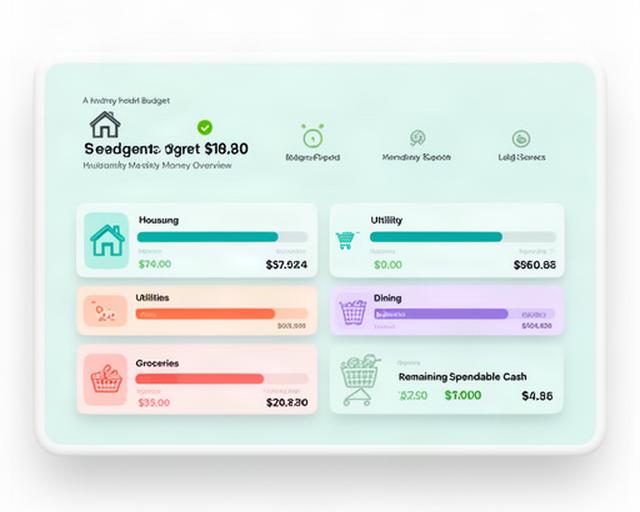
Household & Everyday Spending: See Where Every Dollar Goes
Wenn you're a dual-income parent, a single renter, or just trying to keep up with rising groceries and utilities, this app cuts through the noise.
- Housing & utilities tracking
Compare month-over-month. Spot cost spikes early.
- Grocery & dining clarity
One tap reveals your restaurant vs. cook-at-home split.
- Shared household wallets
Couples and roommates see joint spending without giving up individual categories.
- Spendable cash left
Every Monday, know exactly how much is safe to spend before the next payday.
“I check it after the kids are asleep. Takes 90 seconds.” — dual-income parent in Texas City
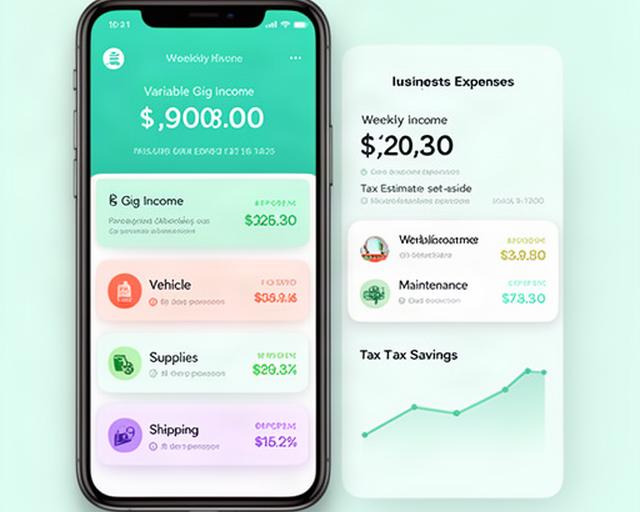
Built for Gig Workers, Freelancers, and Variable Income Lives
Separate business from personal on the same device. Distinct categories for gas, mantenance, inventory, shipping, and platform feees.
Side-hustle income tracked this week
Set aside for tax estimate
- Uber, Lyft, DoorDash, Etsy—income and expense split
- Auto-miledge logging for gas deductions
- Week-over-week income comparison to spot trends
Smarter Spending Habits with Weekly Insights and Gentle Nudges
Sopt late-night shopping spikes, subscription creep, and takeout overages. No judgment, just clear numbers.
Impulse Purchase Alerts
See a trend when online orders cluster after 10 pm. Set a catgory cap and get a gentle notification before you overspend.
Subcription Tracking
All your streaming, digital services, and recurring charges in one place. Cancel what you forgot about.
Budgeting Challenges
No-spend weeks, 52-week savings, or envelope sprints. Progress visuals keep you going.
Dessigned with ADHD-frendly, low-friction interactions. Big buttons, clear hierarchy, zero finance jargon.
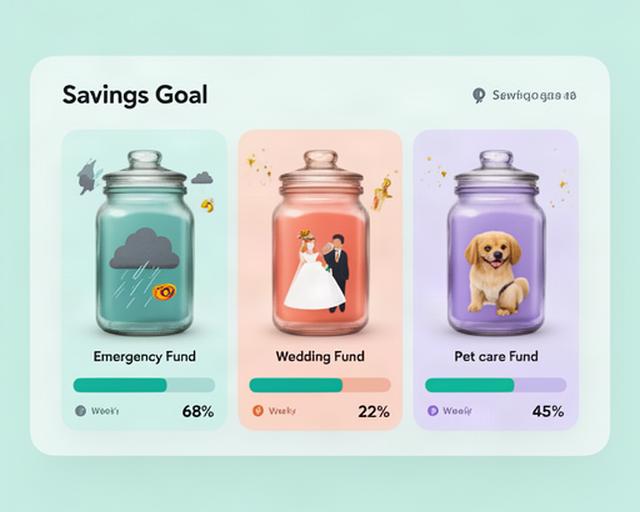
Savings Goals and Big Life Events, Made Visual
Emergency fund for hurricane prep? Wedding? New baby? Renovation? Every goal gets a jar with a moving progress bar.
- Emergency & storm readiness
Goal tied to your actual pay schedule. See it grow week by week.
- Wedding, education, pet care
Assign specific dollar amounts and deadlines. Tap to add money anytime.
- Home renovation budgets
Separate project costs from monthly spending so you know exactly where you stand.
“Rebuilding my emergency fund after the last season felt impossible. This app gave me a line of sight.” — Texas City resident
For Students, Teachers, and Recent Grads with Real-World Budgets
College Students
Track textbooks, rent, food, and entertainment weekly. Preset education categories and default budgets make starting painless.
Teachers & School Staff
Manage classroom supply expenses, back-to-school spending, and tight monthly budgets with recurring expense tracking.
Student Loan Balancers
See interest charges clearly. Balance debt payments with living costs. First-time budgeters get weekly onboarding tips, not blank screens.
Trusted by Real People Managing Real-Life Money
“Finally an app that doesn't feel like a spreadsheet. The weekly chart shows me exactly what I can spend guilt-free.”
“My partner and I used to argue about money. Now we both check the shared budget on Sunday night. Game changer.”
“Driving for Lyft, my income bounces around. This app separates gas and maintenance so I know my real take-home.”
“After the hurricane, we needed to rebuild savings fast. The emergency fund jar kept me sane—I see progress every Friday.”
“My ADHD makes long reports impossible. The color blocks and weekly nudges are exactly what I needed.”
“First budgeting app I've stuck with. It told me I was spending $90/month on subscriptions I forgot about.”
“As a teacher, my budget is tight. Tracking classroom supplies and back-to-school costs in one view reduced my stress.”
“I'm a nurse working nights. I check my spendable cash on my break. Literally 30 seconds.”
About R.X. Spend
We're based right here on Humble Camp Road South in Texas City, building a finance tracker that speaks to how people actually live—hurricane season, variable shifts, side hustles, and rising bills. Our team gets the messy reality of juggling multiple accounts and fintech apps, so we built one unified, visual dashboard that doesn't require a finance degree.
Every word in the app, every support response, every insight is in plain US English. No jargon. No judgment. Special attention given to ADHD-friendly design, first-time budgeters, and folks rebuilding after financial hardship. This is practical, everyday money help for Texas City and beyond.
How It Works: From Download to Your First Weekly Insight
Get the App
Grab it from the App Store or Google Play. The onboarding sets up defaults based on your lifestyle, so you're never staring at a blank screen.
Link Accounts Securely
Connect your bank and card accounts. Data is encrypted, read-only. Couples can link individual and joint accounts.
Customize & Review
Tweak categories, set goals. Within one week you'll get your first insight summary—spending by category, plus a gentle tip.
Works great for individuals, couples with partially combined finances, and parents managing teen allowances.
Start Your Weekly Money Reset Today
See your complete weekly money picture. Adjust before the next payday. Whether you're juggling gigs, building an emergency fund, or just tired of guessing—your first insight is waiting.
Address
Humble Camp Road South
Texas City, Texas 77591
Phone
+1 (920) 425-8860Support available weekdays 8-6 Central. Real humans, same time zone.